Lippye speech icon

Lippye for Mac

Your voice.
A little less busywork.

Dictate the thought, open the website, or pin the reminder without losing your place. Lippye helps you keep moving on your Mac.

Private dictationVoice ActionsPinned Sticky Notes

Meet Lippye for Mac

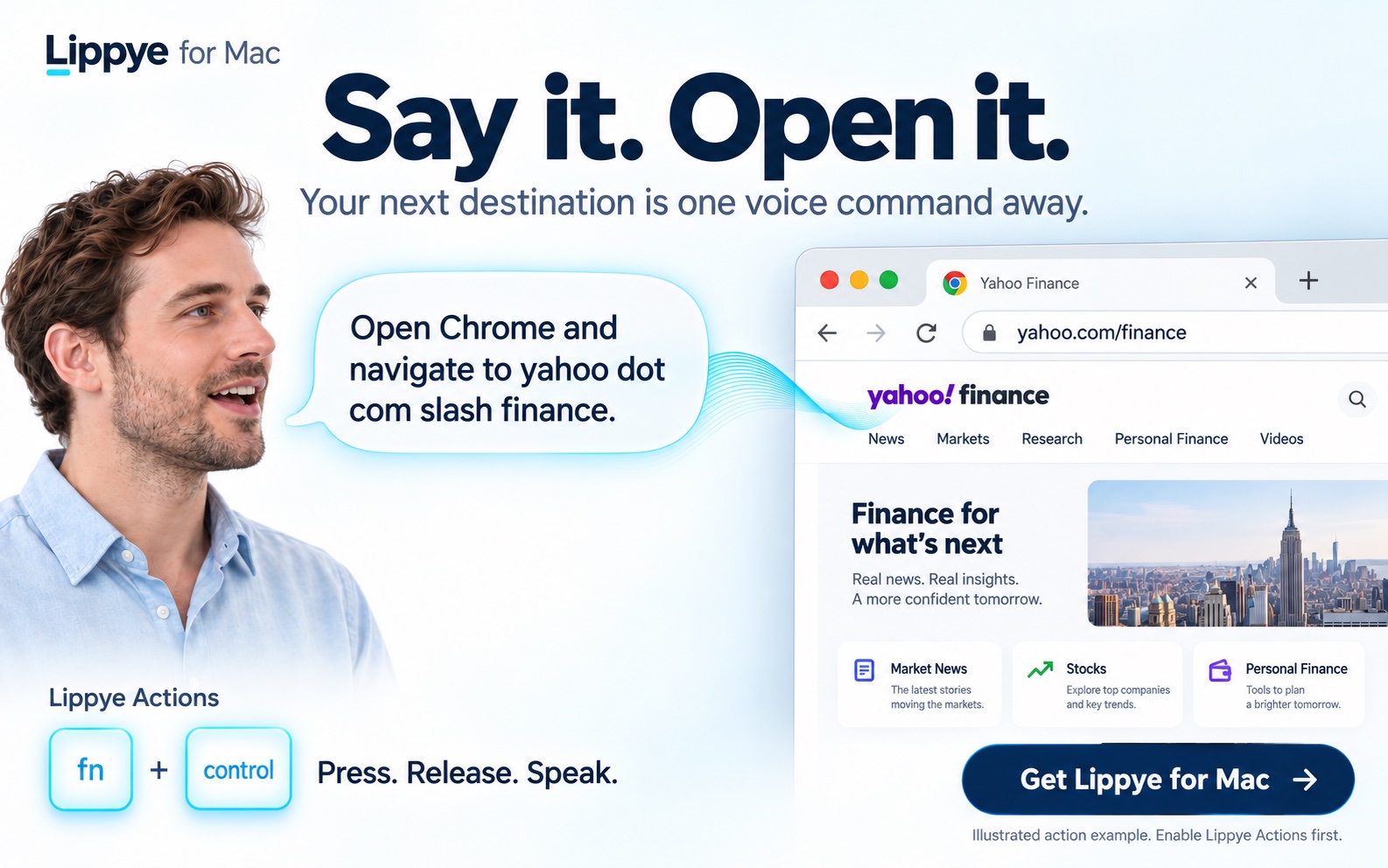
Say it. Open it. A speaker tells Lippye to open Chrome and navigate to yahoo dot com slash finance, and Chrome displays that website.
Lippye for Mac: press and release Fn + Control, then speak to open the site. Illustrated Lippye Actions example.
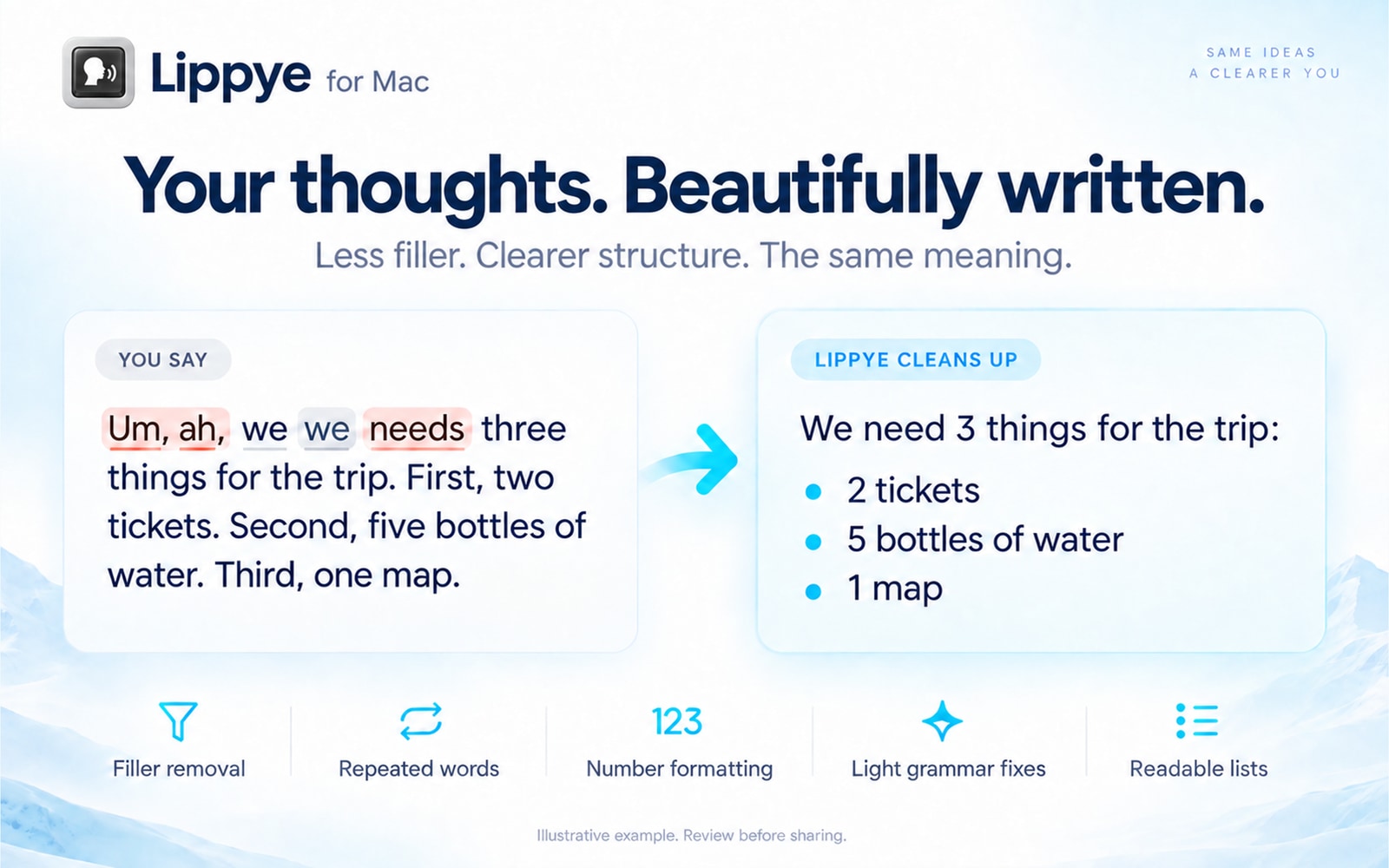
Lippye cleanup before and after: removes um, ah and repeated words, fixes minor grammar, formats numbers and creates a readable list. Featuring the Lippye speaking icon.
Less filler. Clearer structure. An illustrative cleanup example—review your text before sharing.

Lippye for Mac

Dictate, open websites by voice, arrange windows, and keep reminders above your work.
Planned US App Store price $19.99.

Lippye for
Vision Pro

Private dictation, Ideas / Notes, and colorful Sticky windows — all in your space.

Available on the App Store · US $19.99 · Version 1.1 coming soon

Lippye privacy shield: Your words. On your device. Dictation and cleanup processed locally, with no third-party cloud processing. One purchase. No subscription. You choose what to share.

Your thoughts are yours.
Keep them that way.

On Mac and Vision Pro, speech recognition and text cleanup run locally on your device. No cloud processing. No account to create. You choose when your words are shared.

01 / SPEAK

From voice to clarity.

Remove unnecessary “um” and “ah,” with punctuation and formatting that make your transcript easier to read.

02 / ACT

Your next step, spoken.

On Mac, open a website, arrange a window, or ask for another supported Action with your voice.

03 / KEEP

Save it. Find it. Share it.

Keep notes close. Pin a sticky above your work on Mac, or give a reminder its own window on Vision Pro.